The parameter icon is available anywhere parameters can be inserted. A parameter with a corresponding data type is included in the App Parameters dropdown when it is selected as the default value of a field.
Note: Only email app parameters can be used for the TO fields of notification and acknowledgement emails.
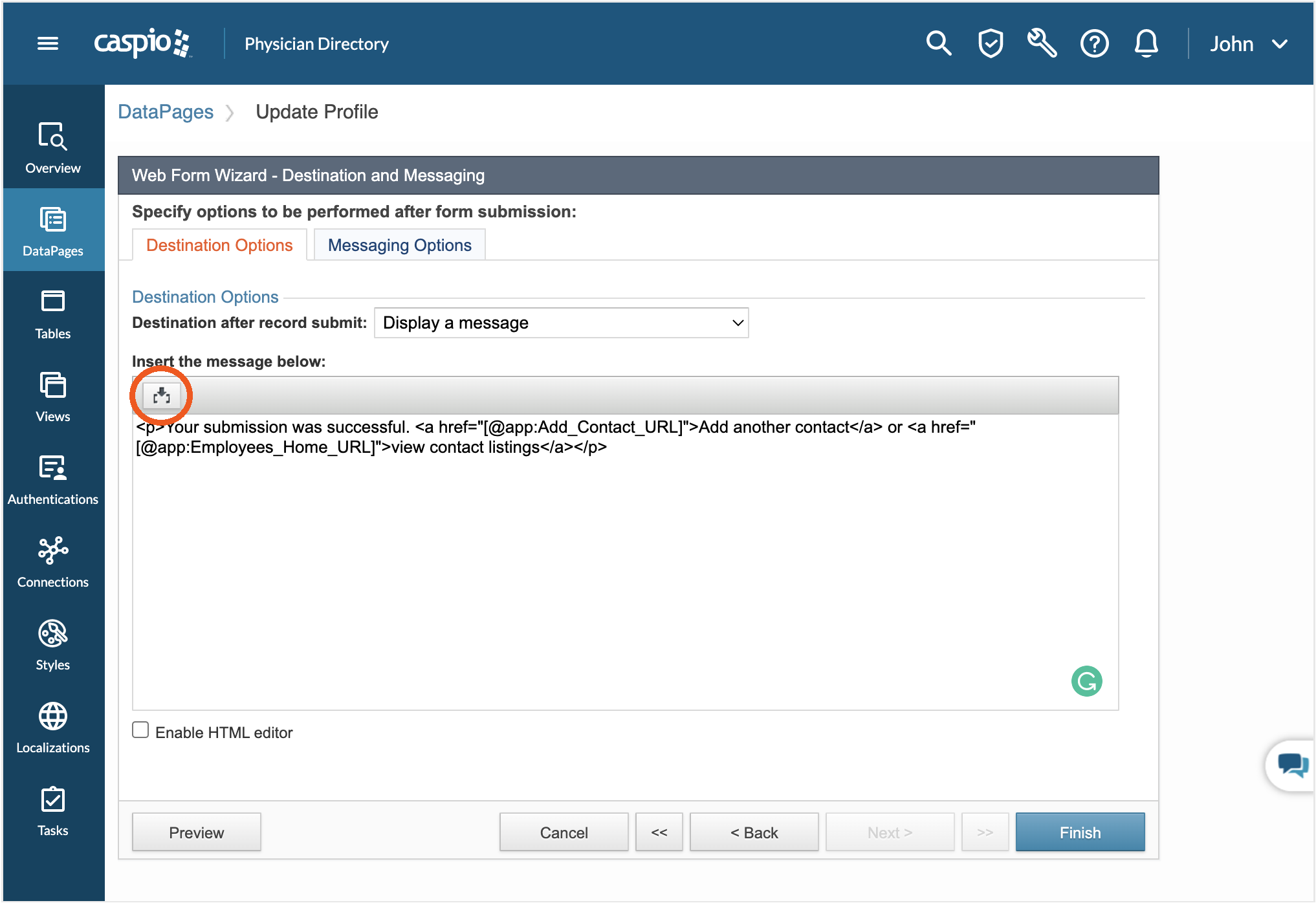
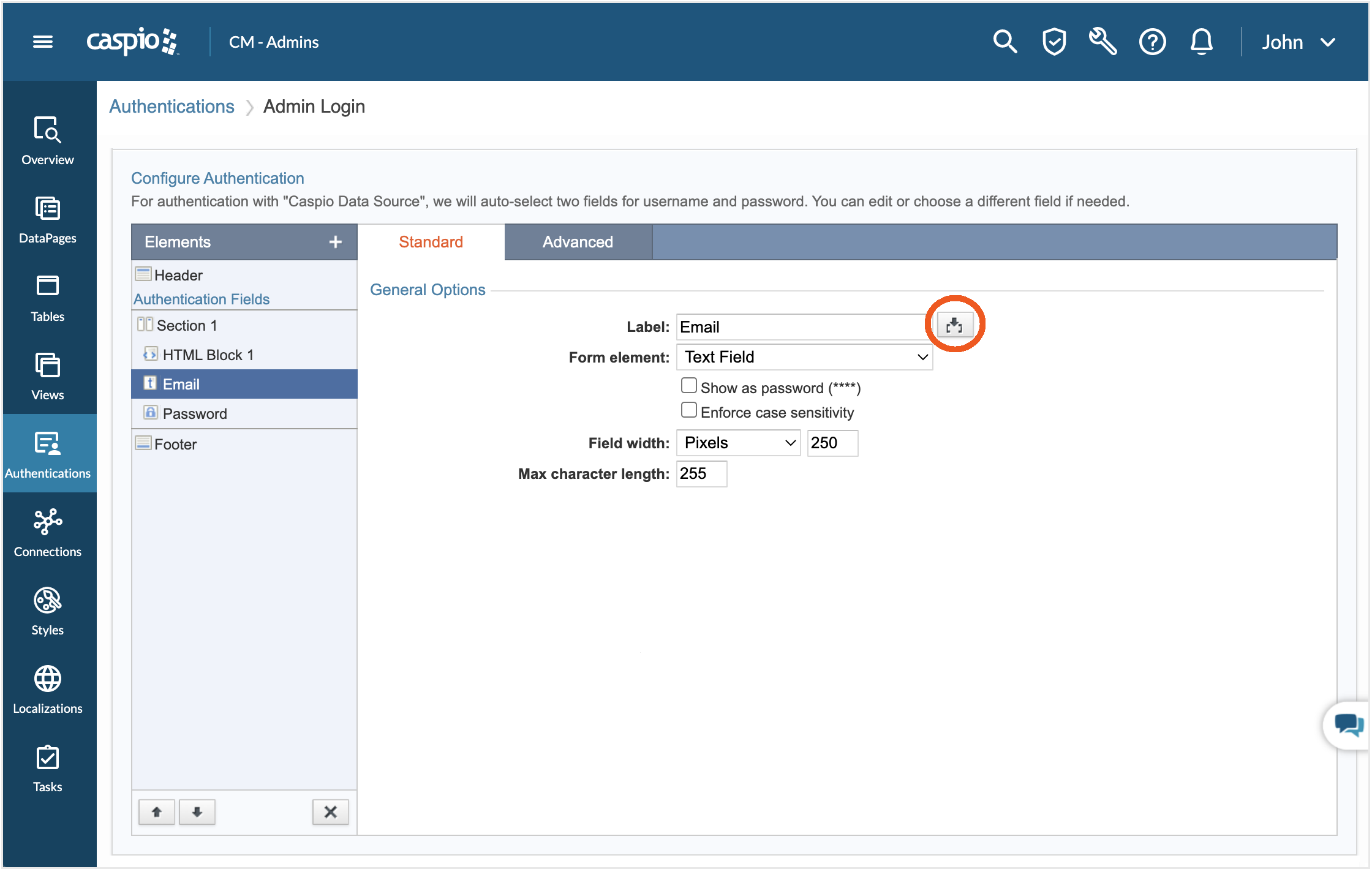
App parameters can also be manually inserted in this format: [@app:Parameter_Name]. By default, parameters are rendered as string. Appending a formatting option to a parameter name changes its rendering and formatting.
For example, [@app:Parameter_Name@] will be formatted as Time according to the localization setting of the DataPage, provided that the parameter is a valid date/time value. The following are formatting and rendering options for parameters:
| Symbol | Formatting and Rendering |
| None | String |
| ! | HTML |
| # | Number |
| $ | Currency |
| % | Percent |
| ~ | Long date |
| * | Short date |
| @ | Time |
| ^ | Yes/No |
Caspio is the world’s leading cloud platform for building online database applications without coding.
Start a free trial today and experience the power of no-code.
© 2026 Caspio, Inc. Sunnyvale, California. All rights reserved.
