Swagger UI
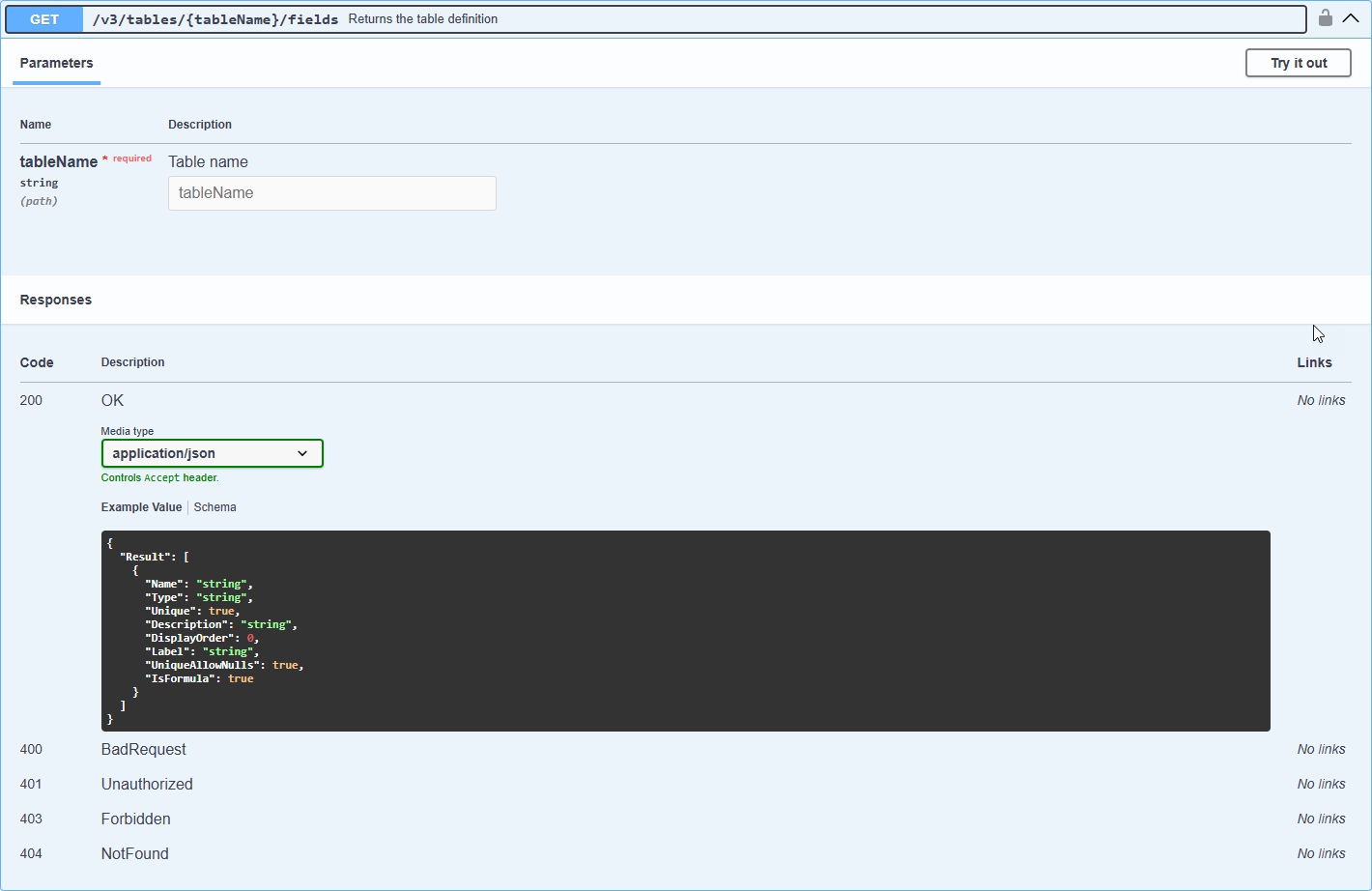
2 minutes to readSwagger UI is a popular third-party tool for developers to effortlessly interact and test against Caspio’s REST API using a visual interface. You can use the Swagger UI to try out with the API before you start customizing your application.
To access Swagger UI documentation, use the Documentation URL available in your Web services profile. The Documentation URL is based on your Integration URL:https://<your-integrations-url>/integrations/rest/swagger
To see our Swagger UI documentation without testing, go to https://demo.caspio.com/integrations/rest/swagger.
By default, the links open Swagger UI with the latest REST API version preselected. To view a previous version, use the Select API version dropdown at the top of the Swagger UI interface.
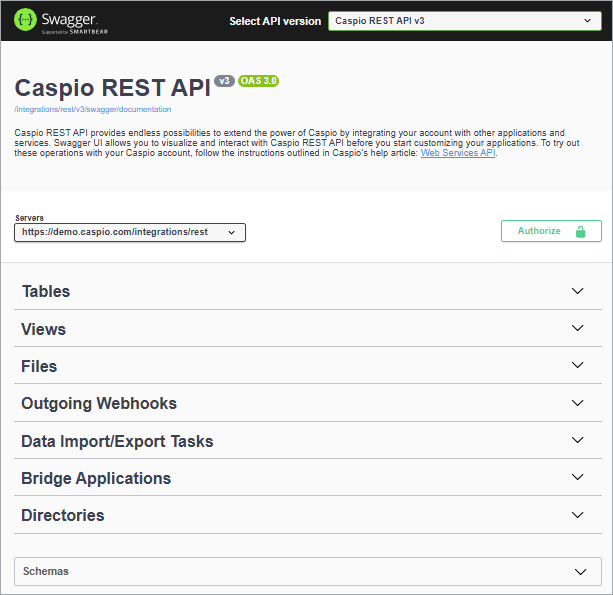
Caspio REST API operations are categorized according to Caspio objects.
- Clicking on an object name to expand the section to view all available operations for the selected object.
- Click on an operation to view parameters, criteria, sample responses, response codes, and models with descriptions of possible values.